

Preventative Maintenance Tips to Avoid Frequent Laptop Repairs
Hello Reader!
Welcome to the blog page of Ctech IT Solutions, one of the Best Apple Repair Service Center in Kolkata.
In today’s digital world, laptops have become an essential part of our daily lives. Whether you use your laptop for work, study, gaming, entertainment, or business purposes, maintaining its performance is extremely important. However, many users ignore basic maintenance practices, which eventually leads to slow performance, overheating, hardware damage, and costly repairs. If you want to Avoid Frequent Laptop Repairs, regular preventative maintenance is the key.
At Ctech IT Solutions, recognized as the Best Apple Repair Service Center in Kolkata, we believe that proper laptop care can significantly increase the lifespan and efficiency of your device. By following a few simple yet effective maintenance tips, you can save money, improve performance, and prevent unexpected breakdowns.
In this blog, we will discuss detailed preventative maintenance tips that will help you Avoid Frequent Laptop Repairs and keep your laptop functioning smoothly for years.
Why Preventative Laptop Maintenance Matters
Most laptop problems do not happen suddenly. Issues such as overheating, slow speed, battery failure, keyboard malfunction, or system crashes often develop gradually over time. Regular maintenance helps identify and resolve minor issues before they turn into major problems.
Preventative maintenance offers several benefits:
- Improves laptop performance
- Extends device lifespan
- Prevents overheating
- Protects important data
- Reduces repair costs
- Enhances battery efficiency
- Helps Avoid Frequent Laptop Repairs
Professional experts at the Best Apple Repair Service Center in Kolkata always recommend regular maintenance to keep your laptop in top condition.
1. Keep Your Laptop Clean
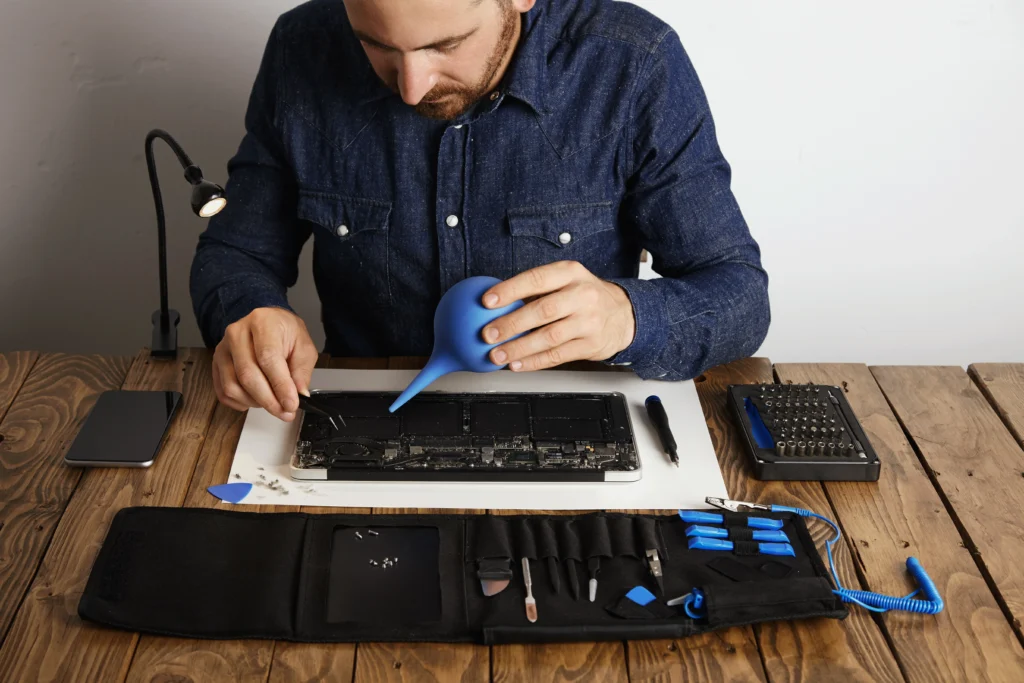
Dust and dirt are among the biggest enemies of laptops. Over time, dust accumulates inside the cooling fans, vents, keyboard, and ports, restricting airflow and causing overheating.
Cleaning Tips:
- Use a microfiber cloth to clean the screen and outer body.
- Use compressed air to remove dust from vents and keyboards.
- Avoid eating or drinking near your laptop.
- Keep ports free from debris.
A clean laptop works more efficiently and helps Avoid Frequent Laptop Repairs caused by overheating and hardware failure.
2. Prevent Overheating
Overheating is one of the most common reasons laptops require repairs. Excess heat damages internal components like the motherboard, processor, and battery.
How to Prevent Overheating:
- Use your laptop on hard, flat surfaces.
- Avoid using laptops on beds or cushions.
- Invest in a cooling pad.
- Keep air vents unobstructed.
- Avoid prolonged heavy usage without breaks.
At Ctech IT Solutions, the Best Apple Repair Service Center in Kolkata, we often see overheating issues that could have been prevented through proper ventilation and regular cleaning.
3. Update Software and Operating System Regularly
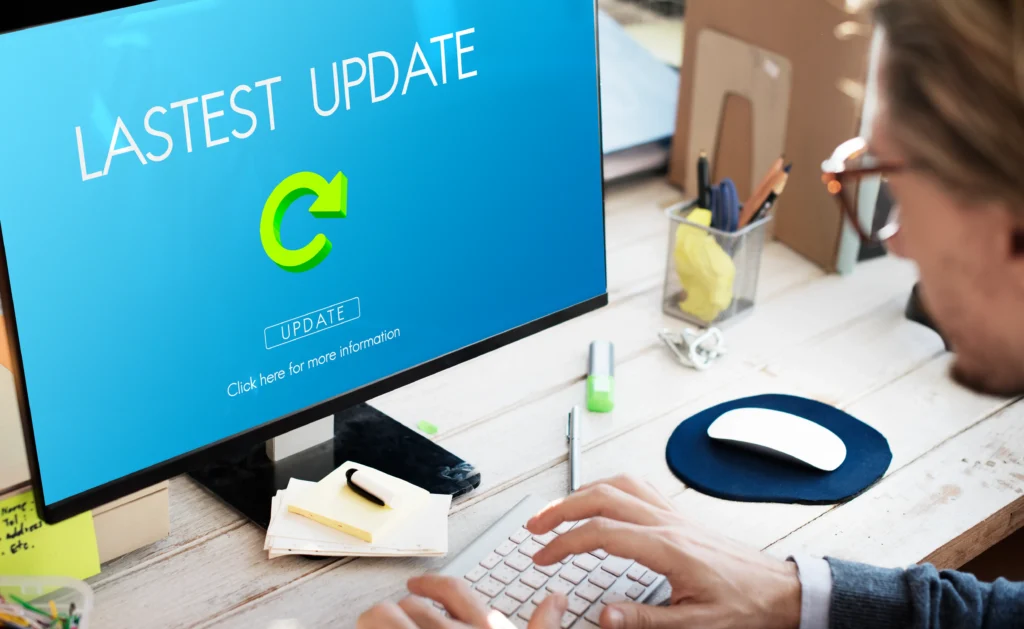
Ignoring software updates can make your laptop vulnerable to bugs, crashes, and security threats.
Important Updates Include:
- Operating system updates
- Driver updates
- Antivirus software updates
- Browser updates
- Application updates
Software updates improve performance, patch vulnerabilities, and help Avoid Frequent Laptop Repairs related to software corruption or malware infections.
4. Use Genuine Chargers and Accessories
Using cheap or incompatible chargers can seriously damage your laptop battery and motherboard.
Best Practices:
- Always use original chargers.
- Avoid counterfeit accessories.
- Replace damaged charging cables immediately.
- Protect charging ports from excessive pressure.
As the Best Apple Repair Service Center in Kolkata, Ctech IT Solutions strongly recommends genuine accessories to maintain device safety and performance.
5. Protect Your Laptop from Power Surges
Unexpected power fluctuations can damage internal circuits and reduce laptop lifespan.
Power Protection Tips:
- Use a surge protector.
- Avoid charging during thunderstorms.
- Disconnect chargers during unstable power supply.
- Use a UPS if necessary.
Proper power protection is essential to Avoid Frequent Laptop Repairs related to motherboard and charging circuit damage.
6. Maintain Battery Health
Laptop batteries naturally degrade over time, but poor charging habits can speed up the process.
Battery Maintenance Tips:
- Avoid overcharging continuously.
- Do not let the battery drain completely frequently.
- Use battery-saving settings.
- Keep the laptop cool while charging.
- Disconnect the charger once fully charged when possible.
Battery care is especially important for Apple devices. The Best Apple Repair Service Center in Kolkata advises users to monitor battery health regularly for optimal performance.
7. Install Reliable Antivirus Software
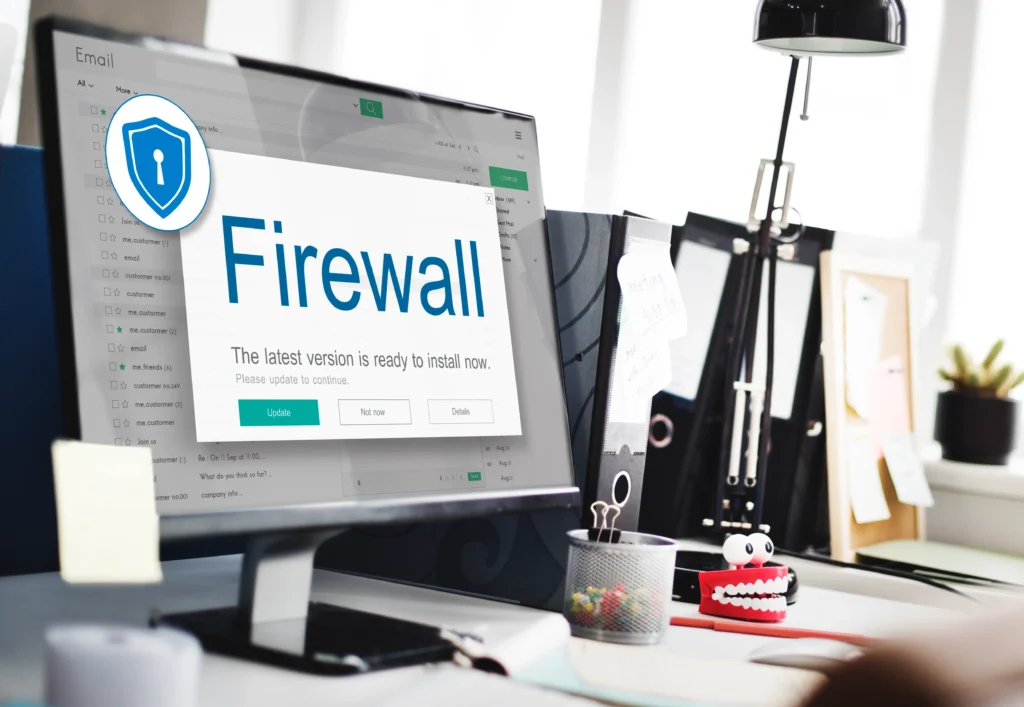
Viruses and malware can slow down your system, corrupt files, and even damage software functionality.
Security Tips:
- Install trusted antivirus software.
- Avoid downloading files from unknown sources.
- Be cautious with suspicious emails and links.
- Run regular malware scans.
Cybersecurity maintenance is a major step to Avoid Frequent Laptop Repairs caused by software corruption and system failures.
8. Backup Your Data Regularly
Data loss can occur due to hardware failure, accidental deletion, or malware attacks.
Backup Options:
- Cloud storage
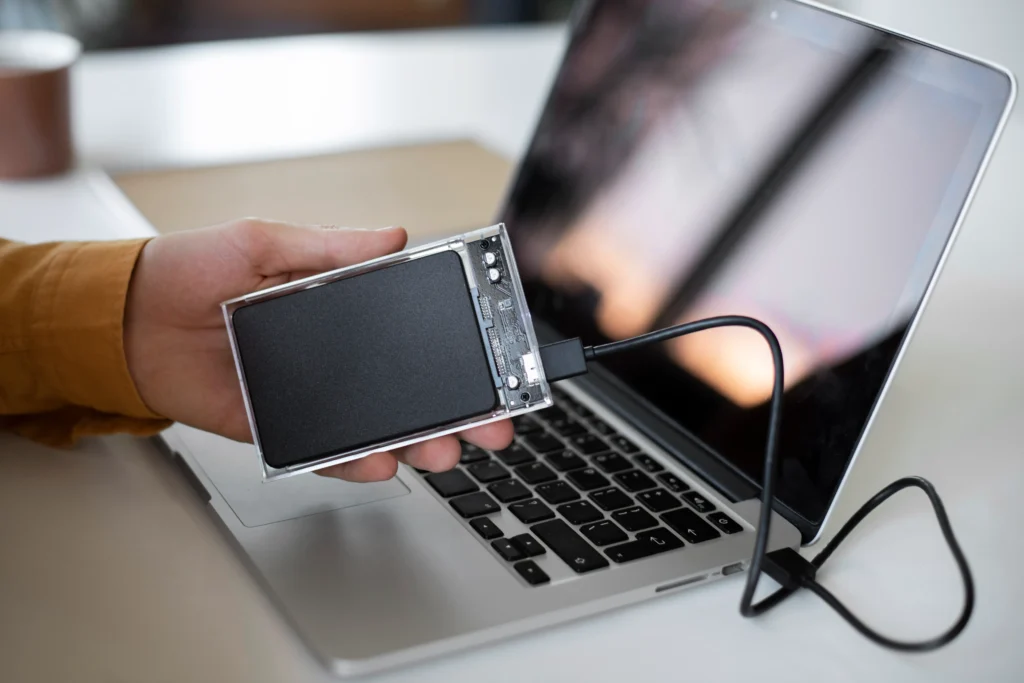
- External hard drives
- Automatic backup software
Regular backups ensure your important files remain safe even if technical issues occur.
At Ctech IT Solutions, the Best Apple Repair Service Center in Kolkata, we always advise customers to prioritize data protection.
9. Avoid Physical Damage
Accidental drops and impacts are among the leading causes of laptop repair.
Physical Protection Tips:
- Use a laptop bag with padding.
- Avoid carrying laptops carelessly.
- Keep liquids away from your device.
- Open and close the lid gently.
- Avoid placing heavy objects on the laptop.
Physical care greatly helps Avoid Frequent Laptop Repairs and extends the life of your device.
10. Monitor Storage Space
A nearly full hard drive can slow down your laptop and affect overall performance.
Storage Management Tips:
- Delete unnecessary files regularly.
- Uninstall unused applications.
- Use cloud storage when needed.
- Clear temporary files and cache.
Proper storage management improves system speed and helps prevent system crashes.
11. Perform Regular System Maintenance
Routine maintenance ensures that your laptop runs efficiently without unnecessary stress on hardware.
Important Maintenance Tasks:
- Disk cleanup
- Removing startup programs
- Defragmentation (for HDDs)
- Checking for hardware errors
- Monitoring system performance
These simple practices can help Avoid Frequent Laptop Repairs and improve your laptop’s lifespan.

12. Get Professional Servicing Periodically
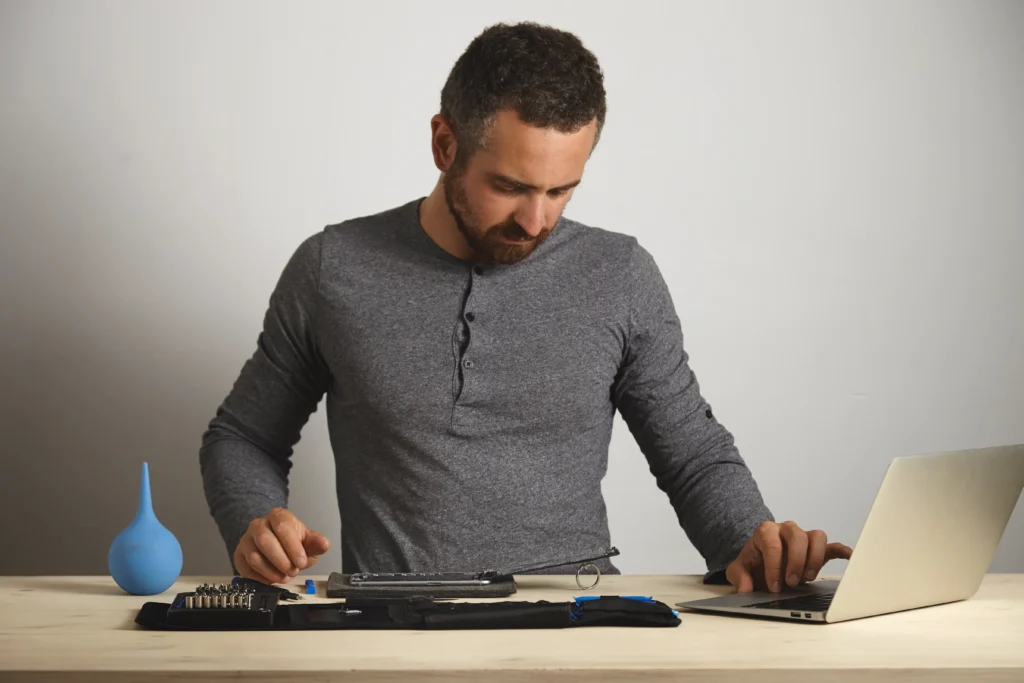
Even with regular care, professional servicing is important for deep cleaning and technical inspections.
Professional technicians can:
- Clean internal components safely
- Replace thermal paste
- Diagnose hidden issues
- Test hardware performance
- Prevent future failures
Ctech IT Solutions, known as the Best Apple Repair Service Center in Kolkata, offers expert laptop diagnostics and maintenance services to keep your devices operating smoothly.
Also Read: When To Replace Your MacBook Battery?
Common User Mistakes That Lead to Laptop Damage
Laptops are valuable devices that require proper care and maintenance to function efficiently for years. However, many users unknowingly develop habits that can seriously damage their laptops over time. Understanding these common mistakes can help you avoid costly repairs and maintain your device’s performance.
One of the most common mistakes is using the laptop on soft surfaces like beds, pillows, or couches. These surfaces block ventilation, causing overheating that may damage internal components. Similarly, failing to clean dust from vents and cooling fans can reduce airflow and increase system temperature.
Another major issue is using duplicate or low-quality chargers. Cheap chargers can damage the battery, motherboard, and charging ports. Experts at Ctech IT Solutions, the Best Apple Repair Service Center in Kolkata, always recommend using genuine accessories for device safety.
Many users also ignore software updates and antivirus protection. Outdated software can expose laptops to malware, viruses, and system crashes that affect performance and data security. Physical mishandling, such as dropping the laptop, placing heavy objects on it, or spilling liquids on it, can also cause severe hardware damage.
How to Extend the Lifespan of Your Laptop Battery?
Your laptop battery plays a crucial role in ensuring smooth and uninterrupted performance. However, improper charging habits and poor maintenance can reduce battery efficiency over time. By following a few simple practices, you can significantly extend the lifespan of your laptop battery and improve overall device performance.
One of the most important tips is to avoid overcharging your laptop continuously. Keeping the charger plugged in even after the battery reaches 100% can generate excess heat and slowly damage the battery. It is also advisable not to let the battery drain completely on a regular basis, as deep discharges may reduce battery health over time.
Heat management is another essential factor. Excessive heat is one of the biggest enemies of laptop batteries. Always use your laptop on hard, flat surfaces that allow proper airflow and avoid blocking the cooling vents. Using a cooling pad can also help maintain safe temperatures during extended usage.
Lowering screen brightness, closing unnecessary background applications, and enabling battery-saving modes can help reduce power consumption. Regular software updates are equally important, as updated systems often include battery optimization improvements.
Using original chargers and accessories is highly recommended. Low-quality chargers may harm the battery and charging circuits. Experts at Ctech IT Solutions, the Best Apple Repair Service Center in Kolkata, always advise customers to use genuine accessories for better battery safety and longevity.
By practicing proper charging habits and regular maintenance, you can improve battery performance, reduce repair costs, and enjoy a longer-lasting laptop experience.
Importance of Regular Software Optimization
Regular software optimization is essential for maintaining your laptop’s speed, efficiency, and overall performance. Over time, laptops accumulate unnecessary files, outdated applications, background processes, and temporary data that can slow down the system and affect productivity. Proper software optimization helps your device run smoothly while reducing the risk of crashes and technical issues.
One of the major benefits of software optimization is improved system performance. Removing unwanted files, clearing cache, and uninstalling unused applications free up valuable storage space and reduce system load. This allows programs to open faster and improves multitasking efficiency.
Software optimization also enhances security. Regular operating system updates and antivirus scans help protect your laptop from malware, viruses, and cyber threats that can damage important files or compromise personal data. Ignoring updates can leave your system vulnerable to security risks and software corruption.
Another important advantage is better battery performance. Background applications and unnecessary startup programs consume processing power and battery life. Optimizing these settings helps improve battery efficiency and extends usage time.
Experts at Ctech IT Solutions, the Best Apple Repair Service Center in Kolkata, recommend regular software maintenance to keep laptops functioning at their best. Routine optimization not only boosts performance but also helps prevent frequent technical issues and costly repairs.
Signs Your Laptop Needs Immediate Attention
Do not ignore warning signs that indicate potential problems.
Common Warning Signs:
- Frequent overheating
- Strange noises from the fan
- Slow performance
- Battery draining quickly
- Screen flickering
- Random shutdowns
- Charging issues
Addressing these issues early can help Avoid Frequent Laptop Repairs and expensive component replacements.

FAQ
1. Why is preventative maintenance important for laptops?
Preventative maintenance helps improve laptop performance, extends device lifespan, and reduces the chances of sudden breakdowns and costly repairs.
2. How often should I clean my laptop?
You should clean your laptop externally every week and get internal cleaning done professionally every 6–12 months to prevent dust buildup and overheating.
3. Can overheating damage my laptop permanently?
Yes, continuous overheating can damage important internal components like the motherboard, processor, and battery, leading to expensive repairs.
4. Does software optimization help prevent laptop issues?
Regular software optimization improves speed, removes unnecessary files, enhances security, and reduces system crashes, helping maintain smooth performance.
5. Why should I choose a professional repair center for laptop servicing?
Professional service centers like Ctech IT Solutions, the Best Apple Repair Service Center in Kolkata, provide expert diagnostics, genuine parts, and reliable maintenance services for better laptop performance and longevity.
Why Choose Ctech IT Solutions?
When your laptop requires professional care, choosing an experienced service center is essential.
Ctech IT Solutions is trusted as the Best Apple Repair Service Center in Kolkata because of:
- Skilled technicians
- Genuine replacement parts
- Advanced diagnostic tools
- Affordable pricing
- Fast turnaround time
- Reliable customer support
Whether it is preventative maintenance, battery replacement, motherboard repair, or software troubleshooting, our experts ensure high-quality service for all Apple laptops and devices.
Conclusion
Preventative maintenance is the smartest way to protect your laptop from costly breakdowns and performance issues. Simple habits such as regular cleaning, software updates, battery care, and safe handling can significantly improve your laptop’s lifespan.
If you truly want to Avoid Frequent Laptop Repairs, consistent maintenance should become a regular part of your routine. And whenever professional support is needed, trust Ctech IT Solutions — the Best Apple Repair Service Center in Kolkata — for expert assistance and reliable repair services.
Categories:

Amartya Banerjee
amartya
Related Posts

Recent Posts

Why Does Your iPhone Get Hot While Charging?
Aug 7, 2026
How Can You Check Your MacBook Battery Health?
Aug 7, 2026
M1, M2 or M3 MacBook: Which Needs Different Repairs?
Jul 28, 2026
Why Does Your Laptop Overheat Even After Cleaning?
Jul 24, 2026