
Aug 28

 admin
admin
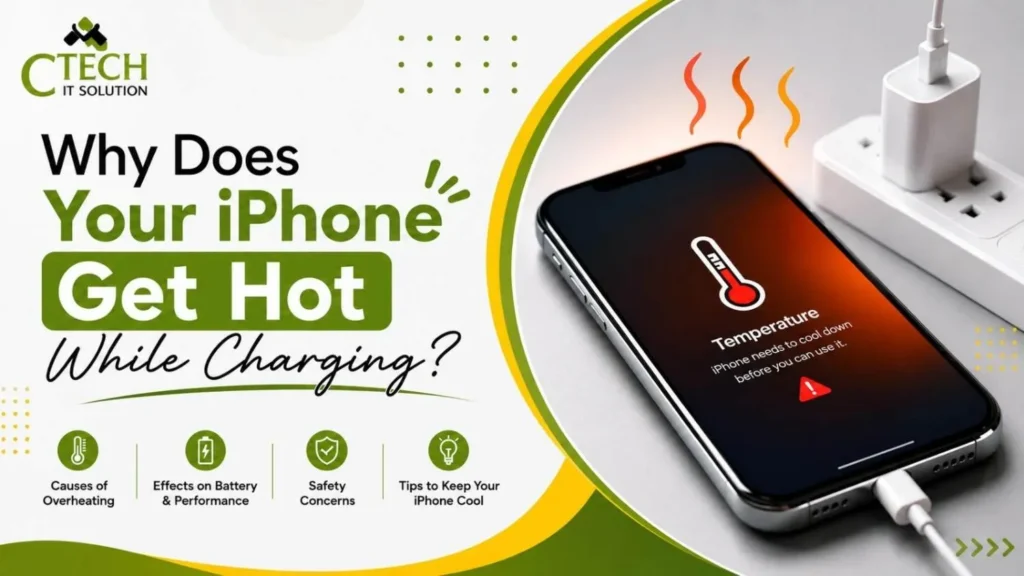
If you’ve ever picked up your iPhone while it’s charging and noticed that it feels warm, you’re not alone. Many iPhone users experience this and often wonder if it’s normal or if there’s something wrong with their device.
In most cases, a slight increase in temperature while charging is completely normal. However, if your iPhone becomes very hot, takes too long to charge, or starts showing warning messages, it could indicate a problem that needs attention.
At CTech IT Solution, we often receive customers with concerns about overheating iPhones. While our expertise includes Apple device repairs, we also assist customers looking for Laptop Repair Service in Kolkata, making us a trusted destination for reliable gadget repair solutions.
Yes. Your iPhone naturally produces heat while charging because electricity is flowing into the battery. This is especially noticeable if:
A slightly warm phone is perfectly normal. The concern begins when the phone becomes too hot to hold comfortably or displays a temperature warning.
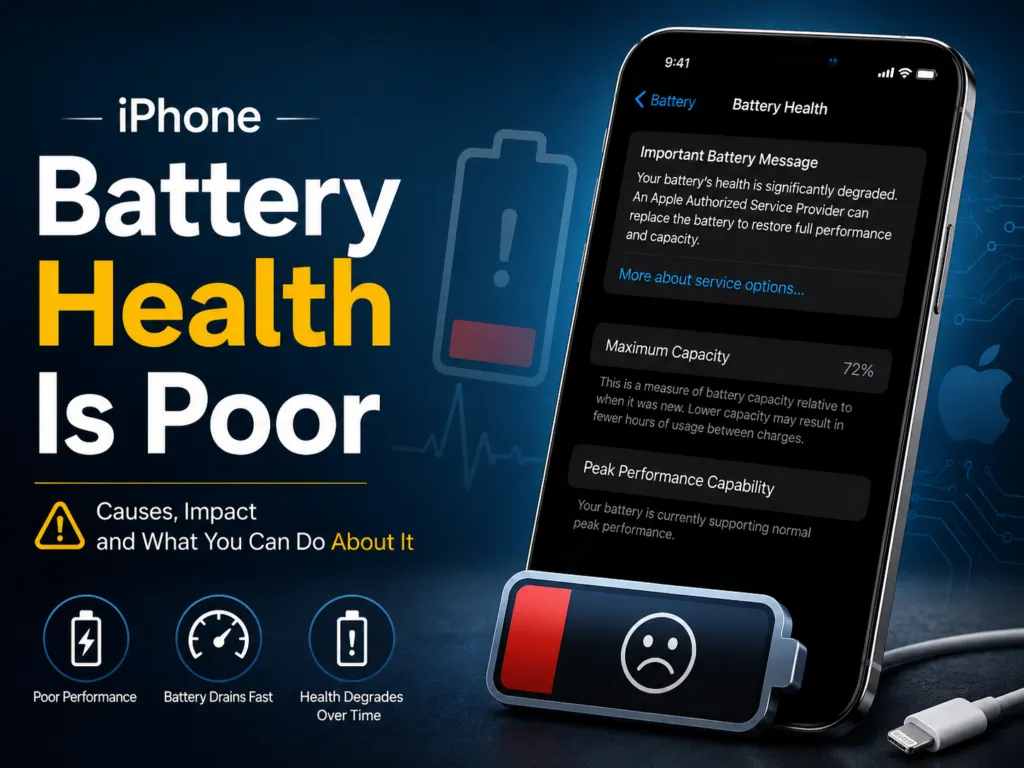
Many people continue watching videos, playing games, scrolling social media, or attending video calls while their phone is plugged in.
When the processor is working hard and the battery is charging at the same time, your iPhone generates more heat than usual.
What you can do:
One of the biggest reasons behind overheating is using cheap or low-quality charging accessories.
A charger that doesn’t provide stable power can affect charging performance and increase heat.
Always use:
Avoid counterfeit accessories as they may damage both the battery and charging port over time.
Modern iPhones support fast charging, which is very convenient.
However, fast charging naturally produces more heat because it transfers more power into the battery in less time.
This is completely normal as long as the phone cools down after charging.
Sometimes dozens of apps continue running in the background without you realizing it.
These apps consume processing power, internet, and battery, making the phone warmer during charging.
To reduce unnecessary heating:
If you’re charging your iPhone in a hot room, inside a parked car, or under direct sunlight, the device may become much hotter.
Apple recommends using iPhones within a safe temperature range.
Charging in a cool and well-ventilated place helps maintain battery health.
Some protective cases trap heat.
While they protect your phone from accidental drops, they may also prevent heat from escaping during charging.
If your phone regularly becomes hot, try removing the case while charging and see if the temperature improves.
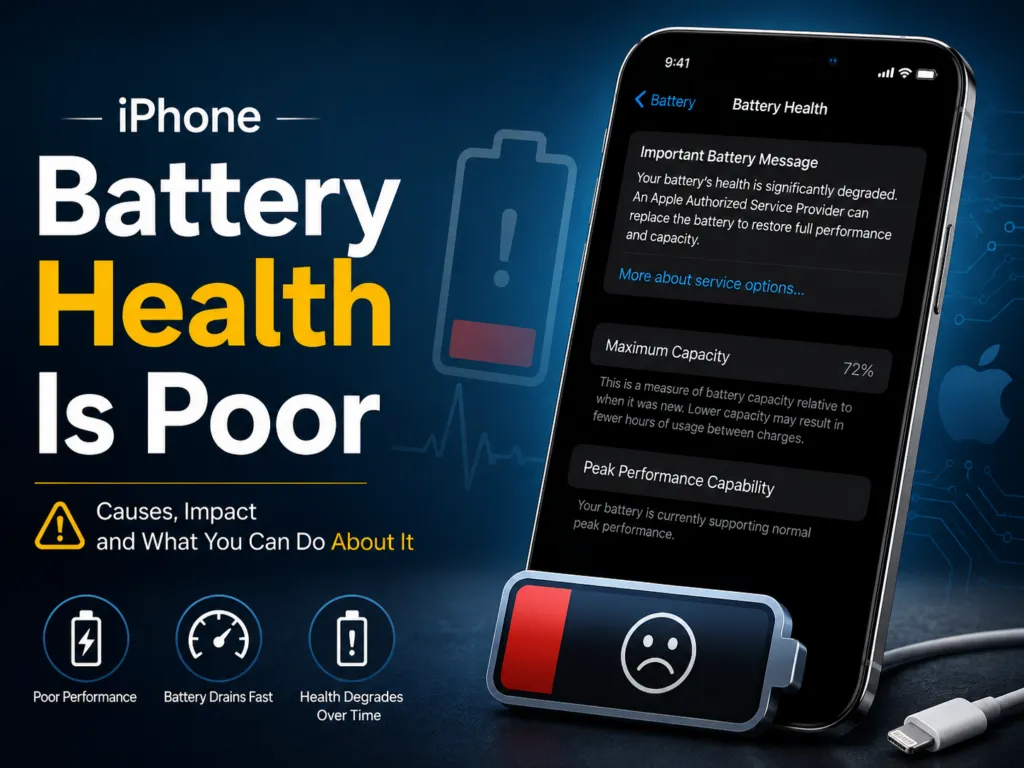
Over time, every iPhone battery loses its capacity.
An old or damaged battery may overheat more frequently during charging.
You can check your battery condition by going to:
Settings → Battery → Battery Health & Charging
If the battery health is significantly reduced, replacing the battery can improve both performance and charging efficiency.
Occasionally, a software bug can cause abnormal battery usage.
Apps may continue running continuously or consume excessive system resources.
Keeping your iPhone updated with the latest iOS version often fixes these issues.
You should get your iPhone checked if you notice any of the following:
These symptoms may indicate a battery issue, charging port problem, or internal hardware fault.
You can reduce overheating by following these simple tips:
These small habits can help extend your battery’s lifespan and improve charging performance.
If your iPhone overheats every time you charge it, don’t ignore the problem.
Persistent overheating can affect battery life and, in some cases, damage internal components such as the charging IC, logic board, or battery itself.
A professional inspection can identify the exact cause before it turns into a more expensive repair.
At CTech IT Solution, our experienced technicians diagnose Apple devices using the right tools and genuine-quality replacement parts. Whether your iPhone has a battery problem, charging issue, or internal hardware fault, we aim to provide reliable and transparent repair services.
We also offer Laptop Repair Service in Kolkata, helping customers with laptop repairs, hardware upgrades, software issues, motherboard repairs, and data recovery under one roof. Whether it’s your iPhone or your laptop, our team focuses on delivering dependable service and practical solutions.
A warm iPhone while charging is usually nothing to worry about. However, if your device becomes excessively hot, charges slowly, or frequently displays temperature warnings, it’s best not to ignore the signs.
Using quality charging accessories, avoiding heavy usage while charging, and keeping your software updated can prevent many overheating issues. If the problem continues, getting your device inspected by experienced technicians can save you from bigger repairs later.
Whether you need help with your iPhone or are looking for a trusted Laptop Repair Service in Kolkata, choosing a reliable repair center ensures your devices stay in good working condition for years to come.






Our team of experts is ready to assist you with any Apple device repairs or issues.
Contact Us Today
464/1, Jessore Rd, Amarpalli, South Dum Dum, West Bengal 700074