





Laptop Services

Home / Laptop Services

Free Check up | Best Warranty | Best quality Parts

Laptop Problem? we will fix within 3 Hrs

Best Laptop repair Service Center in Kolkata

Best Laptop Repair Service Center In Kolkata

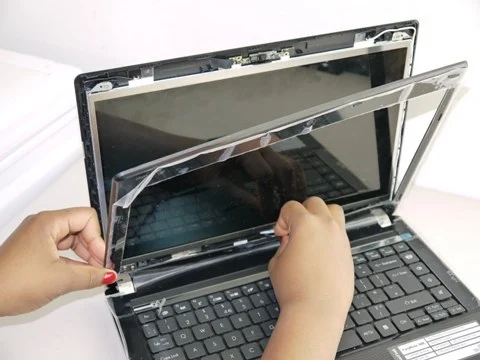
Laptop Screen Replacement

It has been seen that Laptop monitor or screen problems are common. A laptop monitor problem can occur due to a faulty or failing graphics card (GPU) because the GPU is responsible for processing and sending the display signal to the screen. If it’s damaged or malfunctioning, it can cause:

  • No display or black screen – The laptop turns on, but nothing appears.
  • Distorted visuals – Lines, flickering, or unusual colors on the screen.
  • Freezing or crashes – Especially during high-graphics tasks like gaming or video editing.
  • Screen artifacts – Random shapes or patterns appearing.

Common causes include overheating, driver corruption, physical damage, or hardware failure of the GPU chip. If you want, I can also explain how to confirm if it’s the GPU or the screen causing the issue.

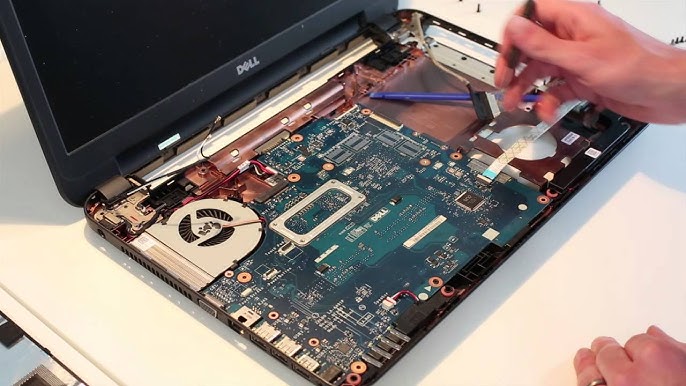
Laptop Motherboard repair

A laptop motherboard is the central hub connecting all components — CPU, GPU, RAM, storage, and ports. Problems occur when it’s physically damaged or when electrical faults develop. We are the best Laptop Repair and Service Center in Kolkata.

Why It Happens:
Overheating from poor cooling or dust buildup.
Liquid damage causing corrosion or short circuits.
Power surges damaging internal circuits.
Faulty components like RAM, GPU, or charging IC affecting the board.
Wear and tear over years of use.

How to Solve:
Diagnosis using professional tools to identify faulty chips or circuits.
Component-level repair or micro-soldering to replace damaged ICs.
Cleaning corrosion from liquid damage.
Replacing the entire motherboard if repair isn’t cost-effective.
Professional repair ensures precision and restores performance while avoiding further damage.

Best Laptop Repair Service Center In Kolkata

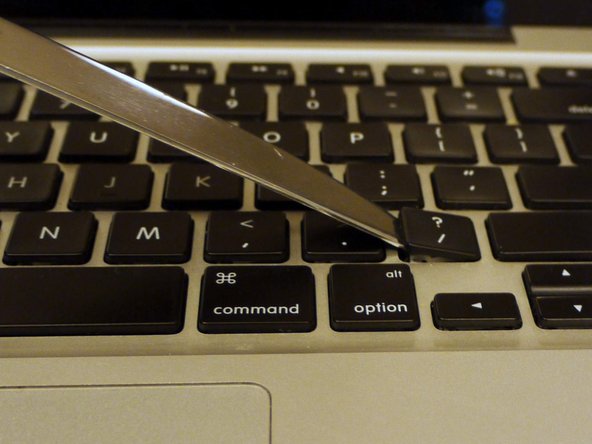
Laptop Keyboard Replacement

Why It’s Needed:
A laptop keyboard may need replacement if:
Keys are non-responsive or stuck.
Liquid spills cause short circuits.
Keys are physically damaged or missing.
Repeated wear leads to faded or loose keys.
Keyboard cable or internal circuits are faulty.

Procedure:

Power off the laptop and remove the battery (if detachable).
Unscrew or unclip the keyboard panel carefully.
Disconnect the ribbon cable from the motherboard.
Install the new keyboard, reconnecting the cable securely.
Reassemble the laptop and test all keys.
For best results, certified technicians ensure proper fitting and avoid internal damage.

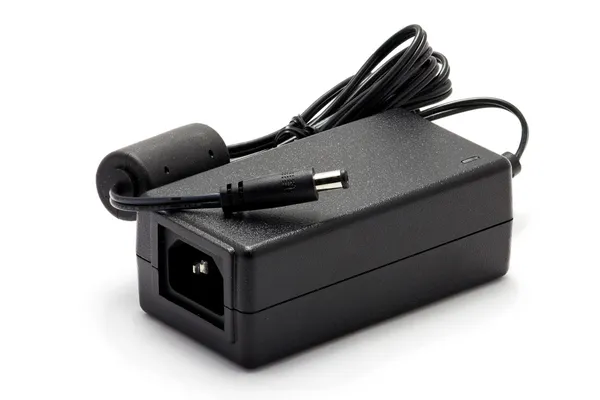
Laptop Battery & Adapter

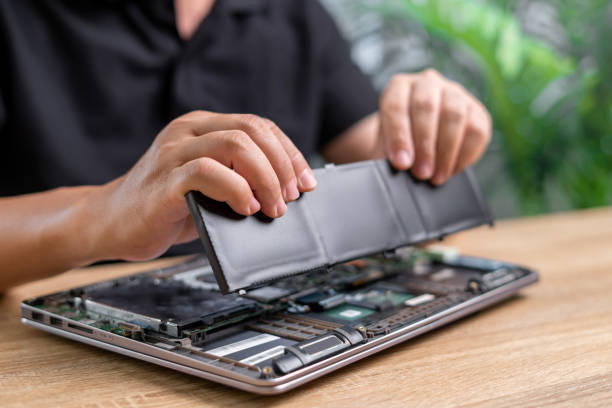
Not charging / draining fast – Check the charging port, clean dust, and try a different adapter. If the issue persists, replace the battery. We are the best Laptop repair Service center in Kolkata.
Overheating – Avoid overcharging, keep vents clear, and replace swollen batteries immediately.
Laptop shuts down suddenly – Indicates battery cell failure; replacement is the only solution.
Adapter Issues:

No power supply – Inspect cable for cuts or bends, test with another compatible adapter.
Loose connection – Check the DC jack; repair or replace if damaged.
Wrong voltage – Always use the manufacturer-recommended adapter to prevent motherboard damage.
For safety, professional diagnosis ensures the right fix and avoids risks like short circuits or battery swelling.

Best Laptop Repair Service Center In Kolkata

Laptop RAM | HDD

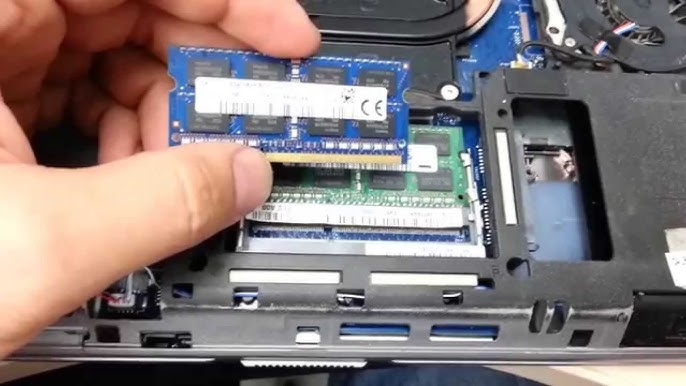
RAM (Memory) Repair/Replacement:

  • Diagnosis: If your laptop is slow, freezing, or not booting, test the RAM using diagnostic tools.
  • Reseat or Replace: Sometimes removing and reinserting the RAM fixes the issue. If faulty, replace with compatible memory.
  • Slot Cleaning: Dust or corrosion in RAM slots can cause errors — clean gently with compressed air.

HDD (Hard Disk Drive) Repair/Replacement:

  • Diagnosis: Use software tools to check for bad sectors or slow performance.
  • Data Backup: Always back up important data before performing repair.
  • Repair: Minor software errors can be fixed with disk check utilities; physical damage usually requires HDD replacement.
  • Upgrade Option: Replace with an SSD for faster performance and better reliability.

Professional handling ensures compatibility, data safety, and improved performance.

Liquid Damage

Why It Happens:

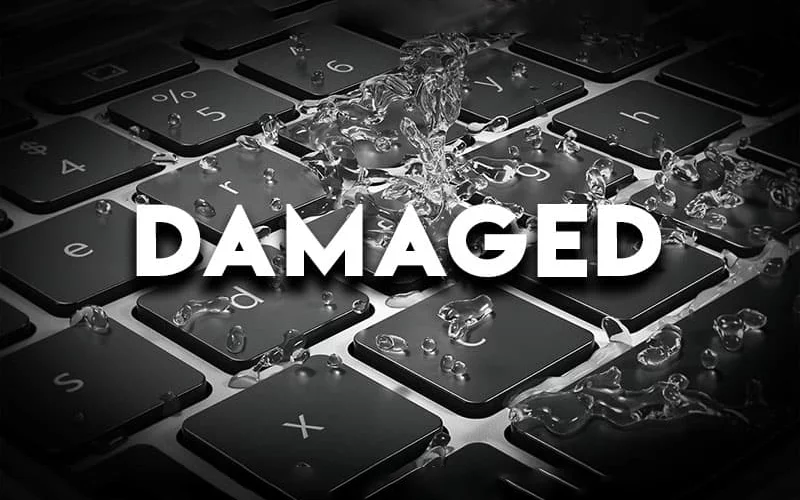
  • Liquid damage occurs when water, coffee, juice, or other liquids spill onto a laptop, seeping into the keyboard and reaching the motherboard, RAM, or other components.
  • This can cause short circuits, corrosion, or complete hardware failure.

How to Solve:

  • Turn off immediately and unplug the charger.
  • Remove the battery (if possible) to stop power flow.
  • Drain and dry the laptop by holding it upside down.
  • Do not turn it on until fully cleaned and inspected.
  • Professional cleaning with ultrasonic machines removes corrosion and repairs damaged circuits.
  • Early intervention can save data and prevent costly replacements.
Best Mobile Repair Service Center In Kolkata
Best Laptop Repair Service Center In Kolkata

Physical Damage

Why It Happens:

Physical damage occurs due to accidental drops, impacts, pressure, or mishandling, leading to cracked screens, broken hinges, damaged ports, or dented casing. Such damage can also affect internal components like the motherboard or cooling system.

How to Fix:

  • Screen Damage: Replace the LCD/LED panel with a compatible one.
  • Broken Hinges: Replace hinges and reinforce mounts.
  • Damaged Ports: Use micro-soldering to repair or replace faulty connectors.
  • Casing Damage: Replace the top or bottom chassis parts.
  • Internal Component Damage: Perform a full diagnosis and replace affected hardware.

Professional repair ensures proper alignment, durability, and safe functioning.

0+

Happy Clients

0+

Laptops Repaired

0+

Certified Technicians

0+

Years Experience

Why Choose C Tech IT Solution

Icon

Free Pick-up & Drop

Hassle-free MacBook service at your doorstep.

Icon

100% Assurance Warranty

Guaranteed service on all repairs.

Icon

Transparent Diagnosis Charges

No hidden fees or surprises.

Icon

Experienced Technicians

Skilled experts for accurate, efficient repairs

Icon

ISO Certified Service

Trusted and quality-driven repair standards

Icon

High-Quality Spare Parts

We use only premium, compatible components

Frequently Asked Questions

How long does a laptop repair take?

Most common issues like battery, keyboard, or screen replacement are fixed within the same day, while complex repairs may take 1–3 days.

Do you use original spare parts?

Yes, we use 100% genuine or high-quality OEM parts to ensure performance and durability.

Is there a warranty on repairs?

All our laptop repairs come with a service warranty for peace of mind.

Do you offer doorstep service?

Yes, we provide free pickup and delivery for added convenience.

Can you repair all laptop brands?

Our certified engineers handle all major brands and models.

Can you recover data from a damaged laptop?

Yes, we provide data recovery services for laptops that won’t turn on or have hard drive issues. Recovery depends on the damage level.

Authorized Partners



