
Jul 9

 Pranab kundu
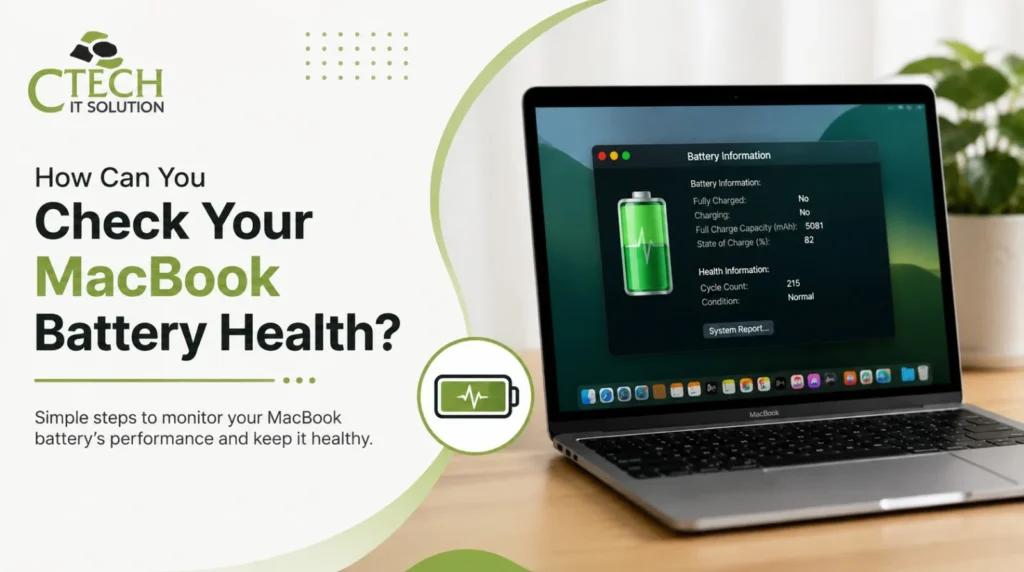
A healthy MacBook battery improves performance, extends device life, and prevents unexpected shutdowns. Learning how to check battery health helps you identify issues before they become costly repairs. This guide explains the easiest steps to monitor battery condition, understand replacement signs, and know when to seek professional assistance for reliable MacBook battery diagnostics.
Looking to Repair Your MacBook at the Best Service Center in Kolkata? Understanding how to check MacBook battery health in System Settings helps detect battery issues early. This guide explains How to Check Your MacBook Battery Health Step by Step?, how to know if MacBook battery needs replacement, and when to book MacBook battery health check service for expert diagnosis.
Checking your MacBook battery health helps you identify performance issues before they become serious. Open System Settings > Battery > Battery Health to view your battery condition and cycle count. If your battery shows Service Recommended, visit a trusted MacBook Repair Service Center in Kolkata for professional diagnostics, battery replacement, and reliable repairs to restore optimal performance.
Your MacBook battery naturally loses capacity over time. Regular battery health checks help you:
Follow these simple steps:
Step 1: Open System Settings
Step 2: Open Battery
Step 3: Review Battery Condition
Check:
| Battery Status | Meaning | Action |
| Normal | Battery is healthy | Continue using |
| Service Recommended | Battery performance reduced | Get professional inspection |
| Low Capacity | Battery wears out faster | Plan replacement |
| Swollen Battery | Safety risk | Stop using and seek repair immediately |
Apple provides a built-in battery health monitor.
Simply navigate:
Apple Menu → System Settings → Battery → Battery Health
You’ll see:
This is the safest and most accurate way to monitor battery health without installing third-party software.
Quick Answer
Watch for these warning signs:
Professional diagnosis confirms whether only the battery needs replacement or other hardware components are affected. Check Customers; Feedback click the link: https://bit.ly/45d95fX
| Battery Health | Battery Capacity |
| Overall battery condition | Remaining charge capability |
| Shows wear level | Shows charging ability |
| Indicates replacement need | Indicates runtime |
| Found in Battery Health | Displayed as Maximum Capacity |
| Maximum Capacity | Condition |
| 100–90% | Excellent |
| 89–80% | Good |
| Below 80% | Battery replacement recommended |
| Below 70% | Immediate service advised |
Professional battery testing includes:
At C Tech IT Solution, led by Chandan Saha, experienced technicians use advanced diagnostic tools to determine whether your battery needs calibration, repair, or replacement. Book Our Service click the link: https://ctechitsolution.com/book-our-service
A trusted repair center offers:
Regularly monitoring your MacBook battery prevents unexpected failures and extends your device’s lifespan. Following How to Check Your MacBook Battery Health Step by Step? makes it easy to identify early warning signs. If you’re unsure how to know if a MacBook battery needs replacement, visit the Best Macbook repair Service Center in Kolkata and book MacBook battery health check service at For expert assistance, trust C Tech IT Solution, led by Chandan Saha. Visit Our Address click the map link: https://maps.app.goo.gl/3z6xpDYkdPLoo5847
How do I check MacBook battery health?
Open System Settings → Battery → Battery Health to view battery condition and maximum capacity.
How do I know if my MacBook battery needs replacement?
If you see Service Recommended, battery capacity falls below 80%, or the battery drains rapidly, it likely needs replacement.
Can I check MacBook battery health without installing software?
Yes. Apple provides a built-in Battery Health feature in System Settings.
What battery health percentage is considered good?
A battery with 80% or higher maximum capacity is generally considered healthy.
How Frequently Should You Check Your MacBook Battery Health?
Checking every two to three months helps identify battery degradation early.
Where can I book a MacBook battery health check service in Kolkata?
Choose the Best Macbook repair Service Center in Kolkata, such as C Tech IT Solution, led by Chandan Saha, for professional diagnostics and genuine battery service.






Our team of experts is ready to assist you with any Apple device repairs or issues.
Contact Us Today
464/1, Jessore Rd, Amarpalli, South Dum Dum, West Bengal 700074