

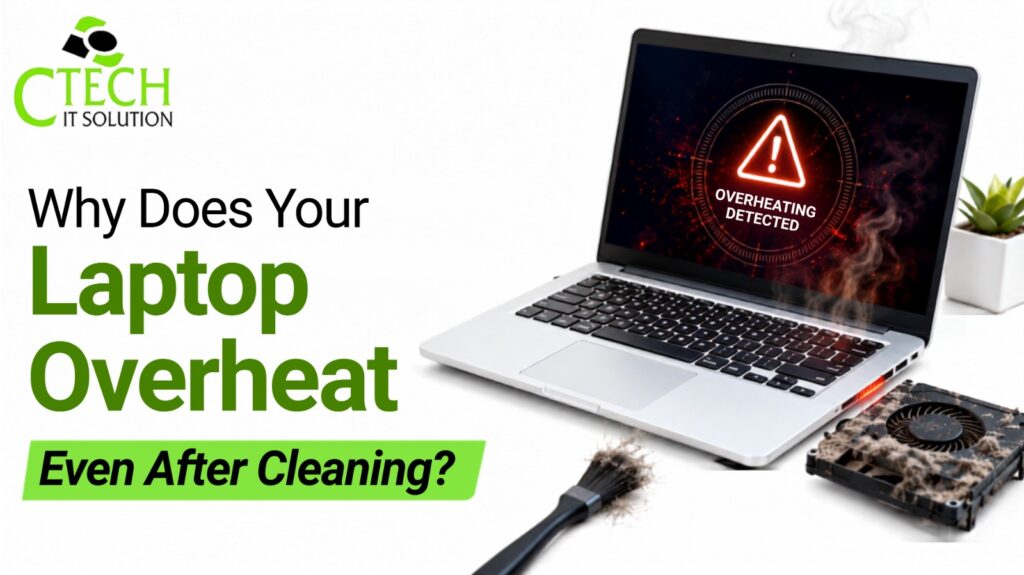
Why Does Your Laptop Overheat Even After Cleaning?
Have you ever cleaned your laptop, switched it on, and still found it getting hot after just a few minutes? You’re not alone. Many people think that removing dust from the fan is enough to solve overheating problems. While cleaning definitely helps, it isn’t always the complete solution.
A laptop has many parts working together to keep the temperature under control. If even one of them isn’t working properly, your laptop may continue to overheat. The good news is that most of these problems can be fixed if you identify them early.
If your laptop keeps getting hot even after cleaning, this guide will help you understand why it happens and when it’s time to visit a trusted Laptop Repair Service in Kolkata.
Why Does Laptop Overheating Matter?
Every laptop produces heat while working. Whether you’re attending online classes, browsing the internet, editing videos, or playing games, the processor and other components generate heat.
Normally, the cooling fan pushes this heat out through the vents. But when the heat can’t escape properly, the laptop starts getting hotter than it should.
When your laptop overheats, it’s not just the heat that’s annoying—it can also affect how well your laptop works.
You may notice things like:
- The laptop becomes very hot near the keyboard.
- The fan becomes unusually noisy while the laptop is running.
- Programs take longer to open.
- The laptop suddenly restarts or shuts down.
- The battery drains faster than before.
- The laptop freezes while working.
If these signs keep appearing, don’t ignore them.
Cleaning Isn’t Always Enough
Cleaning removes dust from the fan and air vents, but overheating can happen for many other reasons.
Think of it like a car. Washing the outside makes it look clean, but it won’t fix engine problems. The same thing happens with laptops. A clean fan doesn’t always mean everything inside is working perfectly.
Let’s look at some common reasons.
1. The Thermal Paste Has Become Old
Inside your laptop, there’s a thin layer of material called thermal paste. It sits between the processor and the cooling system and helps transfer heat away from the processor. Over time, this paste can dry out and lose its effectiveness. When that happens, the processor starts getting hotter because the heat isn’t being transferred properly, even if the laptop has been cleaned.
2. The Cooling Fan May Not Be Working Properly
Sometimes the fan looks clean but doesn’t spin at the correct speed.
A weak or damaged fan cannot push enough hot air out of the laptop.
Some signs of a faulty fan include:
- Loud buzzing sound
- Fan stopping suddenly
- Fan spinning slowly
- Laptop heating up within minutes
If the fan is damaged, cleaning alone won’t solve the problem.
3. Too Many Programs Running Together
Many people don’t realise how much work their laptop is doing.
You may have:
- Chrome with 25 tabs open
- Spotify playing music
- Microsoft Teams running
- Antivirus scanning files
- Windows downloading updates
All these programs use the processor at the same time.
The harder the processor works, the more heat it creates.
Closing unnecessary programs can reduce the temperature immediately.
4. Background Apps Can Make Things Worse
Even when you’re not using your laptop, some apps continue running in the background.
These include:
- Cloud backup software
- Antivirus
- Automatic updates
- Startup applications
If too many apps are running all the time, your laptop keeps working without getting a chance to cool down.
Checking the Task Manager once in a while can help you find these hidden apps.
5. Your Laptop Needs Fresh Air
Where you use your laptop also makes a big difference.
Many people work while keeping the laptop on:
- Bed
- Pillow
- Blanket
- Sofa
These soft surfaces block the air vents.
As a result, hot air stays inside the laptop and the temperature rises quickly.
Always place your laptop on a hard, flat surface so air can move freely.
6. The Battery Could Be the Problem
An old battery doesn’t just lose backup time.
Sometimes it also becomes hotter while charging or even during normal use.
If your laptop becomes very hot around the battery area or the battery drains unusually fast, it should be checked by a technician.
Ignoring battery problems can lead to bigger issues later.
7. Malware or Software Problems
Not every overheating problem is caused by hardware.
Sometimes harmful software keeps using your processor without your knowledge.
You may notice:
- High CPU usage
- Slow performance
- Constant fan noise
- Laptop heating up even when you’re doing nothing
Keeping your operating system updated and scanning your laptop regularly can help prevent these issues.
8. The Cooling System Needs Professional Service
Cleaning the outside of the laptop is something many people can do at home.
But cleaning the inside properly is different.
Dust can collect deep inside the cooling system where it cannot be reached easily.
Sometimes the heat sink also gets blocked.
In such cases, a proper internal cleaning and servicing is needed.
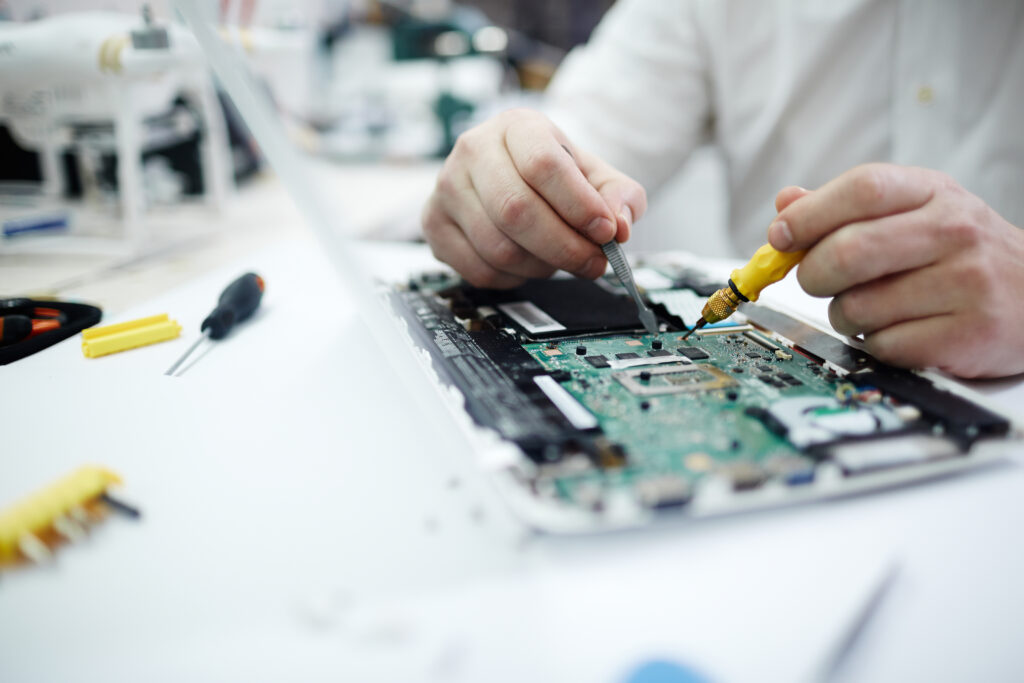
A reliable Laptop Repair Service in Kolkata can open the laptop safely, clean every part properly, replace the thermal paste if needed, and check whether the cooling fan is working correctly.
Simple Tips to Keep Your Laptop Cool
You don’t have to wait until your laptop starts overheating.
These small habits can make a big difference.
- Clean the laptop regularly.
- Don’t block the air vents.
- Close apps you’re not using.
- Give your laptop a fresh start by restarting it regularly.
- Keep Windows and drivers updated.
- Use the original charger.
- Avoid using the laptop in direct sunlight.
- Service your laptop once every year.
- Use a cooling pad if you work for long hours.
These simple steps can help your laptop stay cooler and perform better.
When Should You Visit a Repair Shop?
Sometimes the problem cannot be solved at home.
You should visit a Laptop Repair Service in Kolkata if:
- The laptop gets hot within a few minutes.
- It shuts down on its own.
- The fan makes unusual noise.
- The keyboard becomes too hot to touch.
- The battery heats up while charging.
- The laptop becomes slow even after cleaning.
Getting your laptop checked early can prevent expensive repairs later.
Final Thoughts
Cleaning your laptop is an important part of maintenance, but it doesn’t solve every overheating problem. The real cause could be old thermal paste, a faulty cooling fan, heavy software usage, battery issues, or problems with internal hardware.
If your laptop keeps getting hot even after you’ve cleaned it, don’t keep ignoring the warning signs. A proper inspection can find the actual problem before it damages important parts like the motherboard or processor.
If you’re facing this issue regularly, visiting a trusted Laptop Repair Service in Kolkata is the safest option. An experienced technician can identify the exact cause, repair the problem, and help your laptop run smoothly again.
Frequently Asked Questions (FAQ)
1. Why is my laptop still overheating after cleaning?
Cleaning removes dust, but overheating can also happen because of old thermal paste, a faulty fan, battery problems, or software using too much of the processor.
2. Can overheating damage my laptop?
Yes. If your laptop stays hot for a long time, it can affect the motherboard, processor, battery, and other internal parts.
3. How often should I clean my laptop?
Cleaning the outside every few months is a good habit. A complete internal service is usually recommended once a year, depending on how often you use your laptop.
4. Is it normal for laptops to become warm?
Yes. A little warmth is completely normal while using your laptop. It becomes a problem only when the laptop becomes too hot, slows down, or shuts off unexpectedly.
5. Can replacing thermal paste reduce overheating?
Yes. If the thermal paste has dried out, replacing it can improve heat transfer and help the laptop stay cooler.
6. When should I visit a Laptop Repair Service in Kolkata?
If your laptop keeps overheating even after cleaning, makes loud fan noises, or shuts down unexpectedly, it’s time to visit a trusted Laptop Repair Service in Kolkata for a proper diagnosis and repair.
Categories:

Simon Barua
admin_sb
Related Posts

Recent Posts

Why Does Your iPhone Get Hot While Charging?
Aug 7, 2026
How Can You Check Your MacBook Battery Health?
Aug 7, 2026
M1, M2 or M3 MacBook: Which Needs Different Repairs?
Jul 28, 2026
What Really Happens During Logic Board Repair?
Jul 22, 2026