Aug 18

 Simon Barua
Dropping your iPhone in water is the kind of accident that can make anyone panic. It could happen in a sink, during heavy rain, near a swimming pool, or simply because a glass gets knocked over. Whatever the situation, the first thing you do after the phone gets wet can make a difference.
Water damage does not automatically mean that an iPhone has to be replaced. However, there is a lot of bad advice online about what to do next. Turning the phone on again and again, using a hair dryer or putting it in rice can make the situation worse.
For now, the safest approach is to keep the phone away from power and handle it carefully. Here are the steps worth following.
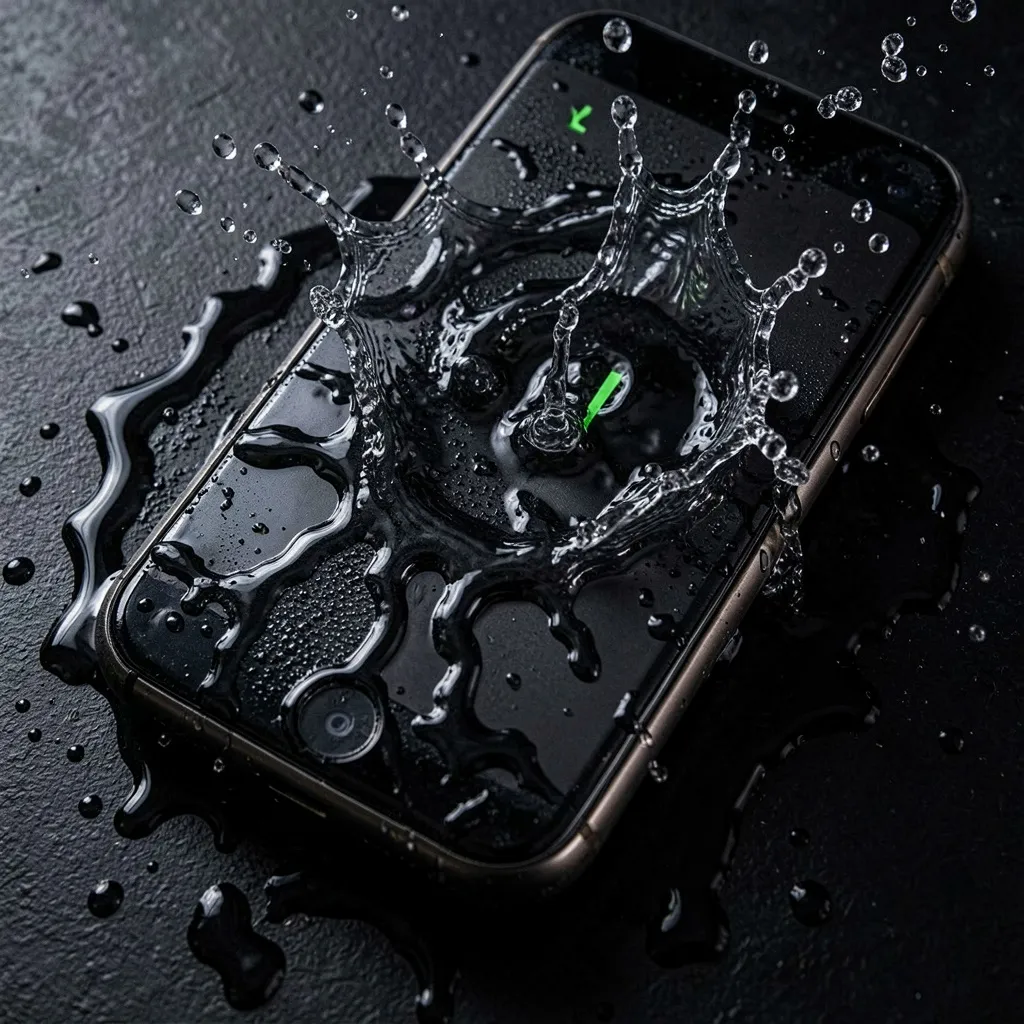
If the iPhone is still on, switch it off as soon as you can.
Do not assume everything is fine just because the display and apps are still working. Moisture may have already reached parts inside the phone that you cannot see. Keeping the device powered while it is wet can increase the risk of damage.
If the phone has already switched off on its own, do not try to turn it back on.
This matters even more if the phone was actually submerged rather than splashed with a small amount of water.
If the phone was connected to a charger when it got wet, unplug it and leave it disconnected.
Remove accessories such as:
Do not connect it to a charger just to see whether it still charges. Apple also advises against charging an iPhone until the connector and phone are dry.
The same applies to connecting it to a computer or another accessory for a quick test.
Remove the case as soon as possible.
A case can hold moisture against the phone, especially around the edges and ports. Taking it off gives the outside of the device a better chance to dry.
Use a soft, lint-free cloth to wipe off water that you can see. Avoid vigorous rubbing or shaking the phone.
If there is water around the charging port, keep the connector facing down and gently tap the phone against your hand to remove excess liquid. Apple recommends leaving the phone in a dry place with some airflow.
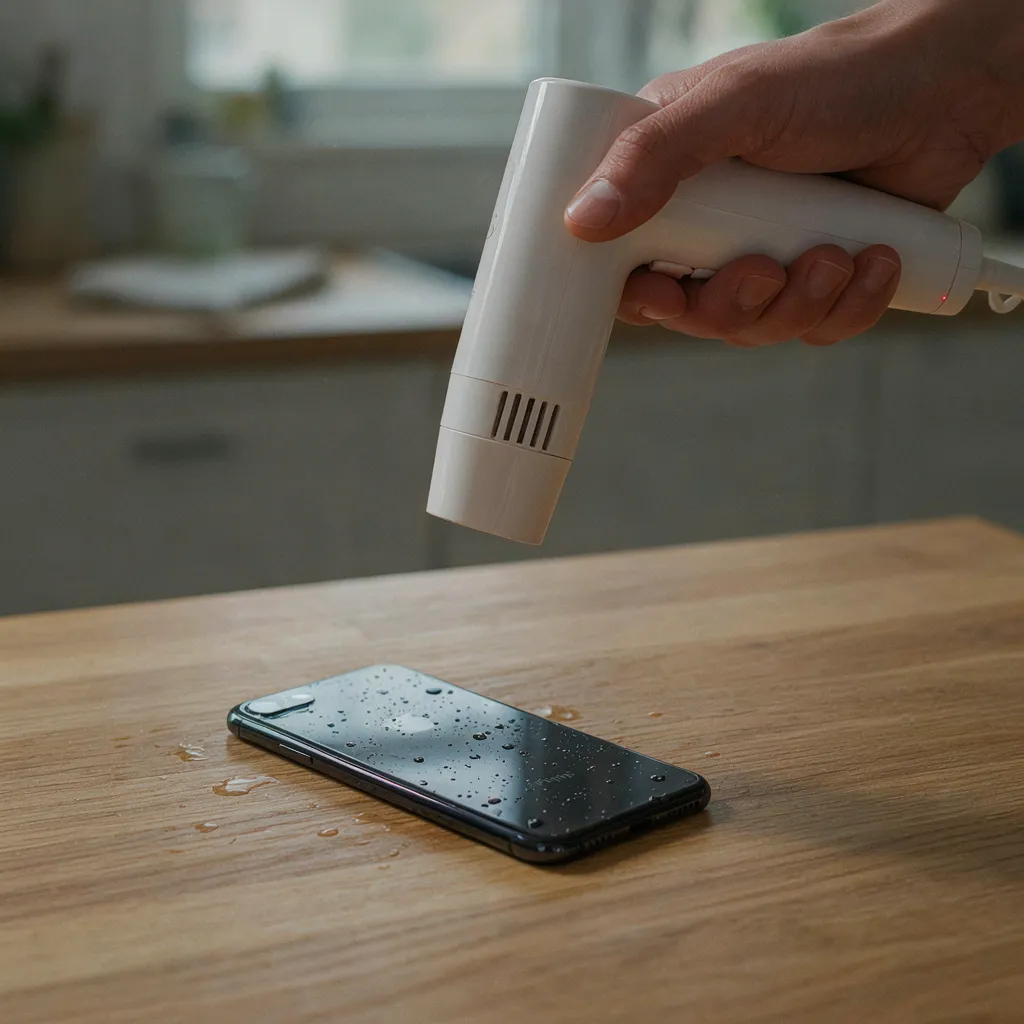
It is tempting to grab a hair dryer when a phone gets wet, but this is not a good idea.
Direct heat can damage the device, and Apple specifically advises against using an external heat source to dry a wet iPhone. Compressed air is also not recommended.
Similarly, avoid blowing strongly into the charging port. You may unintentionally push moisture further into the device.
In other words, do not try to force the drying process with heat. Give the phone time to dry naturally.
The rice trick is another popular piece of advice that is better left alone.
Apple says not to put a wet iPhone in a bag of rice because small particles can damage the connector.
If the phone has taken in a significant amount of liquid, proper inspection is a much better option than relying on a household remedy.
It is very easy to keep checking the phone after an accident like this.
Avoid doing this.
It might turn on, show the Apple logo or even appear to work normally. That still does not prove that there is no moisture inside.
Problems can also show up later rather than immediately. Moisture left inside the phone can affect connectors and other components over time.
If you have already switched it off, leave it off until you know it is safe to use again.
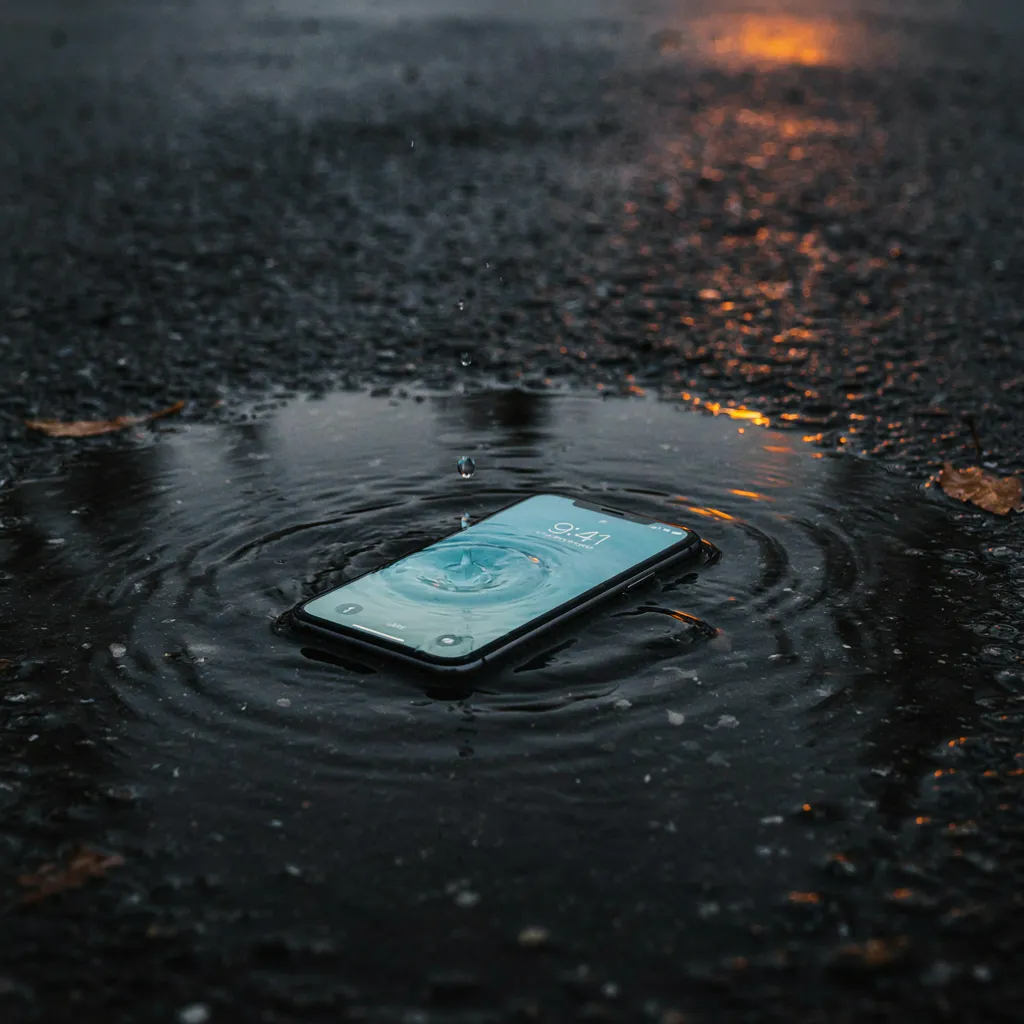
The water you can see on the outside is only part of the problem.
Liquid can enter through areas such as the charging port, speakers and microphones. Once inside, it can reach connectors and other sensitive parts.
The type of liquid also matters.
Plain water is one situation, but liquids such as:
can create additional complications because they may contain salt, sugar, chemicals or other substances that leave residue behind.
So, an iPhone that works immediately after getting wet should not automatically be treated as being completely out of danger.
If your iPhone keeps working after getting wet, it is understandable to assume that nothing serious happened. But a working screen does not tell you what is happening inside the device.
For example, the phone may initially work normally but later develop:
If the phone was submerged or exposed to a substantial amount of liquid, having it checked is a sensible precaution.
If the iPhone was submerged, switched off unexpectedly, became unusually hot, started restarting, or stopped charging properly, it is time to get it checked by a repair professional.
A technician can inspect the phone and work out whether the liquid has affected any internal parts. Depending on the damage, the repair may involve cleaning, diagnosis at component level, or replacing a damaged part.
With liquid damage, waiting is rarely a good strategy. Continuing to use the phone for days after the incident can allow the problem to get worse.
If you are looking for the Best Apple Repair Service Center in Kolkata, C Tech IT Solution handles iPhone liquid-damage cases along with other Apple device repairs. Its website lists iPhone repairs for issues including screen, motherboard, camera, speaker, battery and liquid damage. Choosing the Best Apple Repair Service Center in Kolkata is particularly important for liquid damage because the problem may involve internal components that are not visible from the outside.
There is no simple yes-or-no answer. The result depends on what happened to the phone and how quickly it was dealt with.
The possibility of repair depends on several factors, including:
A phone that was removed quickly and switched off may have a better chance than one that stayed underwater for a long time and was repeatedly switched on afterward.
A proper diagnosis should come before replacing expensive parts. It helps identify what is actually damaged and what, if anything, needs to be replaced.
Many recent iPhones have water-resistance ratings, but that does not make them waterproof or guarantee protection from liquid damage.
That protection can also change as a phone ages or after it has suffered physical damage or undergone repairs.
So, a water-resistance rating should be treated as protection against certain conditions, not as permission to use the phone underwater. Apple also advises making sure the device is dry before opening the SIM tray or connecting accessories.
If you need to remember only the essentials, follow these steps:
Getting an iPhone wet does not automatically mean that it needs to be replaced. What matters first is how you handle the situation.
The safest approach is straightforward: switch it off, unplug everything, avoid heat and rice, and stop testing it. If it was submerged or starts behaving strangely, get it checked rather than hoping the problem disappears on its own.
Liquid damage can be harder to judge than a cracked screen because you cannot see what is happening inside. A proper inspection can determine whether the phone needs cleaning, component repair or replacement.
For Apple users in Kolkata, C Tech IT Solution offers iPhone repair and lists liquid damage among the issues it handles. If you are searching for the Best Apple Repair Service Center in Kolkata, getting the phone diagnosed by an experienced repair centre is a better option than repeatedly testing it at home. Its website also states that it provides diagnostic and repair support for Apple devices.
So if your iPhone takes an unexpected swim, resist the urge to experiment with a hair dryer or a bowl of rice. Switch it off, keep it unplugged and handle it carefully. If the exposure was serious, get professional help as soon as possible.




Our team of experts is ready to assist you with any Apple device repairs or issues.
Contact Us Today
464/1, Jessore Rd, Amarpalli, South Dum Dum, West Bengal 700074