

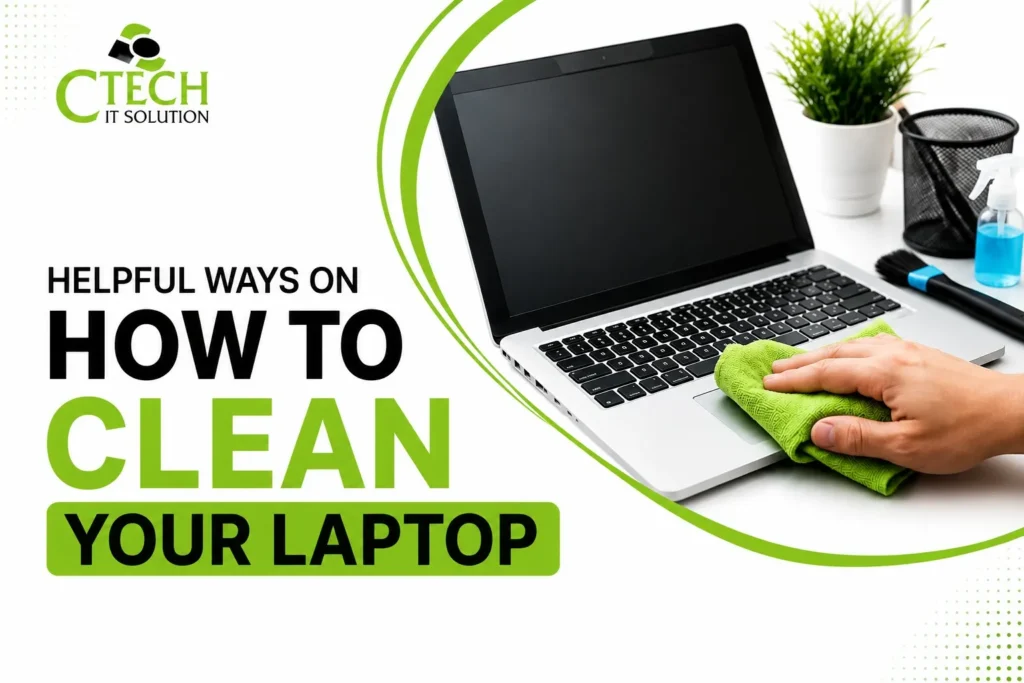
Helpful Ways on How to Clean Your Laptop
Hello Reader!
Welcome to the blog page of Ctech IT Solutions, one of the best Apple repair service center in Kolkata.
Laptops are an essential part of our daily lives, whether for work, education, gaming, or entertainment. Over time, dust, fingerprints, food crumbs, and debris accumulate on your device, affecting its appearance and even its performance. Learning how to Clean Your Laptop properly can help extend its lifespan, improve efficiency, and maintain hygiene.
While regular cleaning is important, improper cleaning methods can cause permanent damage to delicate components. That’s why it’s crucial to follow safe cleaning practices. If your laptop requires professional internal cleaning or repairs, visiting the Best Apple Repair Service Center in Kolkata ensures your device receives expert care.
Why Is It Important to Clean Your Laptop?
Many users focus only on software maintenance and overlook physical cleaning. However, dust and dirt can clog cooling vents, reduce airflow, and lead to overheating.
Regularly Clean Your Laptop to enjoy several benefits:
- Better cooling performance
- Improved keyboard functionality
- Longer hardware lifespan
- Better screen visibility
- Enhanced hygiene by reducing germs and bacteria
- Professional-looking device
- Reduced chances of overheating
Keeping your laptop clean also helps preserve its resale value.
How Often Should You Clean Your Laptop?
The cleaning frequency depends on your usage.
Daily
- Wipe fingerprints from the screen.
- Clean the keyboard surface.
- Remove dust from the exterior.
Weekly
- Thoroughly wipe the keyboard.
- Clean the touchpad.
- Dust the ports and ventilation areas.
Every 3–6 Months
- Perform a deeper cleaning.
- Consider professional internal cleaning if dust accumulation is significant.
If you use your laptop in dusty environments or travel frequently, you may need to Clean Your Laptop more often.

Things You Need Before Cleaning
Gather the following items before you begin:
- Microfiber cloth
- Soft brush
- Compressed air can
- Cotton swabs
- 70% isopropyl alcohol (avoid excessive moisture)
- Distilled water (if needed)
- Screen-safe cleaning solution
- Soft lint-free cloth
Avoid using harsh chemicals, bleach, glass cleaners, or excessive water.
Step 1: Turn Off Your Laptop
Before you Clean Your Laptop, always:
- Shut down the device.
- Unplug the charger.
- Disconnect external devices.
- Remove removable batteries (if applicable).
This reduces the risk of electrical damage and protects internal components.
Step 2: Clean the Laptop Screen Carefully
Laptop screens are delicate and should never be scrubbed aggressively.
Follow these steps:
- Use a dry microfiber cloth first.
- Wipe gently using circular motions.
- If necessary, lightly dampen the cloth with screen cleaner.
- Never spray liquid directly onto the screen.
Avoid:
- Paper towels
- Tissue paper
- Abrasive cloths
- Household cleaning sprays
These materials may scratch or damage the display coating.
Step 3: Clean the Keyboard
The keyboard collects:
- Dust
- Hair
- Food particles
- Skin oils
- Germs
To Clean Your Laptop keyboard:
First
Turn the laptop upside down and gently shake loose debris.
Next
Use compressed air between the keys.
Finally
Wipe each key with a microfiber cloth slightly dampened with isopropyl alcohol.
Never pour liquid directly onto the keyboard.
Step 4: Clean the Touchpad
The touchpad accumulates oils from your fingers.
Use a microfiber cloth lightly dampened with isopropyl alcohol and gently wipe the surface.
Avoid excessive moisture.
Step 5: Clean Laptop Ports
Dust inside charging ports and USB ports can interfere with connectivity.
Use:
- Compressed air
- A soft anti-static brush
Avoid inserting metal objects or sharp tools into the ports.
Step 6: Clean the Exterior
The laptop lid and bottom casing often collect fingerprints and dirt.
Use:
- Soft microfiber cloth
- Mild alcohol-based cleaner
Wipe gently and dry immediately.
This keeps your laptop looking new while protecting its finish.
Step 7: Don’t Forget the Cooling Vents
Blocked cooling vents are one of the leading causes of overheating.
Use compressed air in short bursts to remove dust from ventilation grills.
Never insert objects into the vents.
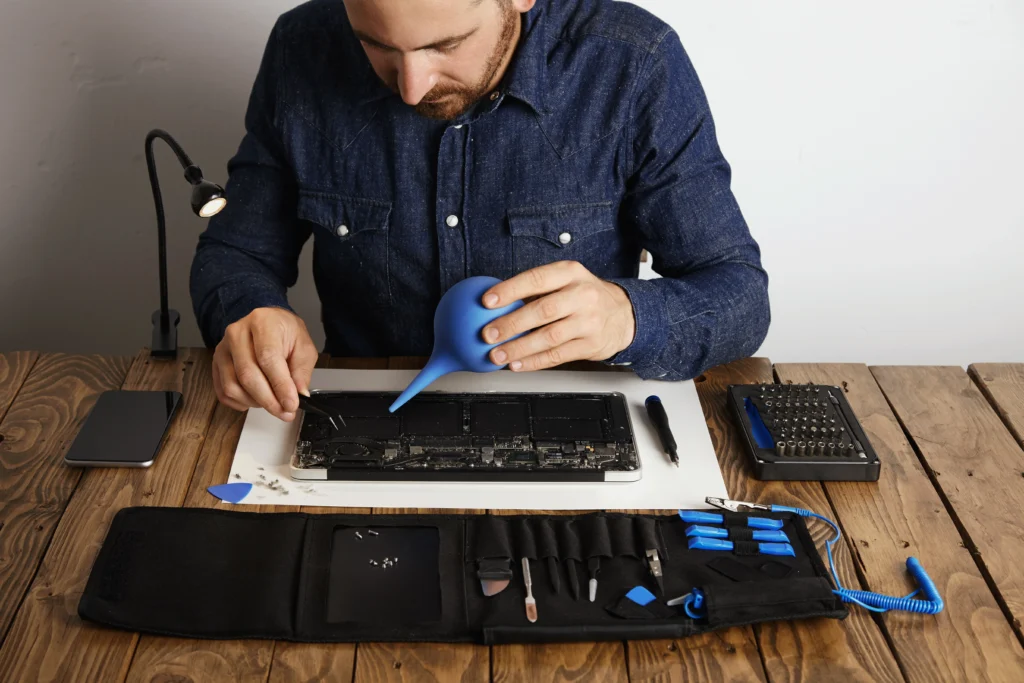
If overheating persists even after you Clean Your Laptop, it may require professional internal cleaning from the Best Apple Repair Service Center in Kolkata.
Internal Cleaning Requires Professional Help
Many users attempt to open their laptops themselves.
However, modern laptops—especially Apple MacBooks—contain delicate components that require specialized tools and expertise.
Professional internal cleaning includes:
- Fan cleaning
- Heat sink cleaning
- Dust removal
- Thermal inspection
- Internal hardware inspection
The Best Apple Repair Service Center in Kolkata has trained technicians who can safely perform these services without risking damage to your device.
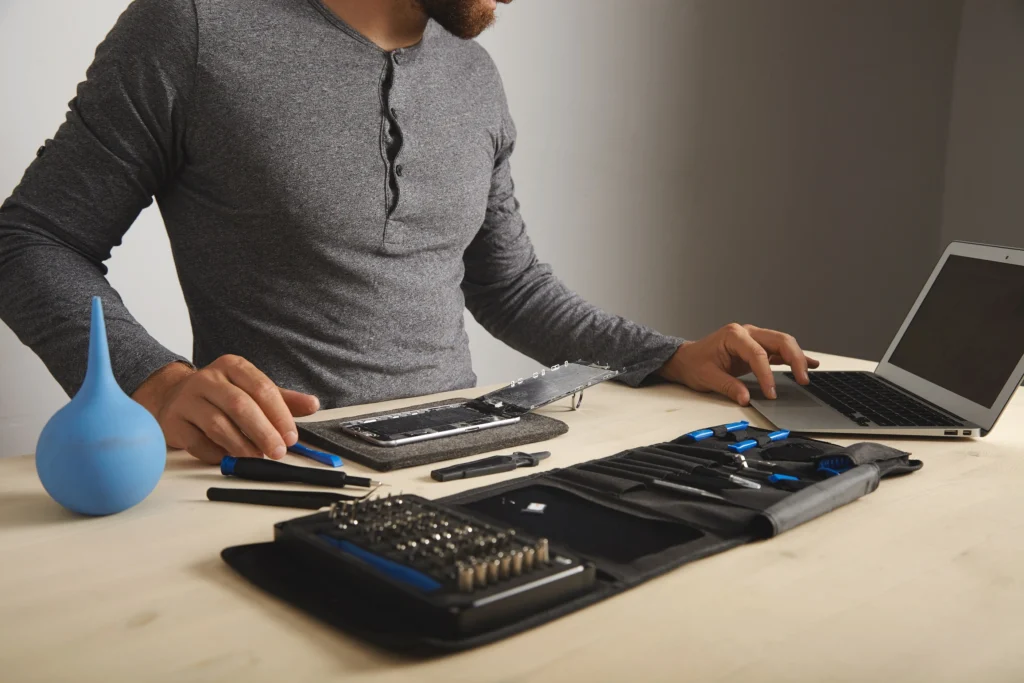
How Dust Affects Laptop Hardware
Dust may seem harmless, but over time it can significantly impact your laptop’s performance and lifespan. Fine dust particles accumulate inside the device, restricting airflow and causing internal components to overheat. Regular maintenance and cleaning can help prevent costly repairs and keep your laptop running efficiently.
Cooling Fans
Cooling fans are the first components affected by dust. When dust clogs the fan blades and air vents, the fan has to work harder to keep the laptop cool. This can lead to overheating, excessive fan noise, and reduced system performance.
Motherboard
The motherboard is the heart of your laptop. Excessive dust can trap heat around sensitive electronic components, increasing the risk of overheating and potential hardware failures over time.
SSD
Although SSDs have no moving parts, they are still sensitive to high temperatures. Poor airflow caused by dust buildup can raise internal temperatures, potentially affecting the SSD’s performance and longevity.
RAM
Dust around the RAM slots or modules can contribute to heat buildup inside the laptop. While RAM itself is generally reliable, excessive heat may cause system instability, slow performance, or unexpected crashes.
Battery
High internal temperatures caused by dust can negatively impact your laptop’s battery health. Overheating accelerates battery wear, reducing its charging capacity and overall lifespan.
Keep Your Laptop Dust-Free
Regularly cleaning your laptop’s exterior and vents helps reduce dust accumulation. For deep internal cleaning, it’s best to seek professional assistance to avoid damaging delicate components. At Ctech IT Solution, the Best Apple Repair Service Center in Kolkata, our experienced technicians provide safe and thorough internal cleaning services to keep your laptop performing at its best for years to come.
Also Read: Does Mac need anti-malware protection?
Tips to Keep Your Laptop Germ-Free
Whether you use your laptop at home, in the office, or share it with others, keeping it germ-free is just as important as keeping it dust-free. Keyboards, touchpads, and screens are frequently touched throughout the day, making them hotspots for germs and bacteria. Following safe cleaning practices can help protect both your health and your device.
Wipe High-Touch Areas Regularly
Use a soft microfiber cloth lightly dampened with 70% isopropyl alcohol to gently clean the keyboard, touchpad, palm rest, and exterior surfaces. Never spray liquid directly onto your laptop.
Clean Your Hands Before Use
Washing or sanitizing your hands before using your laptop reduces the transfer of dirt, oils, and germs onto the device.
Avoid Sharing Accessories
If possible, avoid sharing external keyboards, mice, or headphones. If they must be shared, disinfect them after each use.
Keep Food and Drinks Away
Eating at your desk can leave crumbs and sticky residue that attract dirt and bacteria. Keeping food and beverages away from your laptop helps maintain better hygiene.
Disinfect Shared Office Laptops Frequently
For laptops used by multiple people, clean high-touch surfaces daily or after each user to minimize the spread of germs.
Protect Your Laptop While Keeping It Clean
Always use cleaning products that are safe for electronic devices and avoid harsh chemicals like bleach or ammonia. For deep cleaning and professional maintenance, trust Ctech IT Solution, the Best Apple Repair Service Center in Kolkata, to ensure your laptop remains clean, hygienic, and in excellent working condition.
Common Mistakes to Avoid
Many laptops are accidentally damaged during cleaning because of improper methods.
Avoid these mistakes:
- Spraying liquid directly onto the laptop
- Using excessive water
- Using bleach or ammonia-based cleaners
- Scrubbing the screen forcefully
- Cleaning while the laptop is powered on
- Using rough cloths or paper towels
- Inserting sharp objects into ports
- Opening the laptop without proper knowledge
Following the correct steps to Clean Your Laptop helps prevent unnecessary damage.
Tips to Keep Your Laptop Cleaner for Longer
You can reduce dirt buildup by following these habits:
- Wash your hands before using your laptop.
- Avoid eating over the keyboard.
- Store your laptop in a protective sleeve.
- Keep drinks away from the device.
- Use a keyboard cover if appropriate.
- Clean your workspace regularly.
- Transport the laptop in a clean, padded bag.
These simple practices reduce the frequency with which you need to Clean Your Laptop.
When Should You Seek Professional Cleaning?
Professional cleaning is recommended if you notice:
- Excessive overheating
- Loud cooling fan noise
- Dust visible inside the vents
- Sticky keys
- Frequent unexpected shutdowns
- Reduced performance
- Liquid spills
- Dust buildup after several years of use
A trusted Best Apple Repair Service Center in Kolkata can diagnose whether your laptop needs only cleaning or additional repairs.
FAQ
1. How often should I clean my laptop?
It’s recommended to clean your laptop’s exterior once a week and perform a deeper cleaning every 3–6 months. If you use it in a dusty environment, you may need to clean your laptop more frequently.
2. Can I use water to clean my laptop?
No. Avoid using water directly on your laptop. Instead, use a microfiber cloth slightly dampened with 70% isopropyl alcohol or a screen-safe cleaning solution to clean your laptop safely.
3. Is it safe to use compressed air on my laptop?
Yes, compressed air is safe for removing dust from keyboards and air vents when used in short bursts. Avoid holding the can too close to the device or tilting it while spraying.
4. Why does my laptop still overheat after cleaning?
If your laptop continues to overheat after external cleaning, dust may have accumulated inside the cooling system, or the thermal paste may need replacement. In such cases, visit the Best Apple Repair Service Center in Kolkata for professional inspection and servicing.
5. Should I clean my laptop myself or seek professional help?
You can safely clean the screen, keyboard, and exterior at home. However, for internal cleaning, fan maintenance, or hardware-related issues, it’s best to consult the Best Apple Repair Service Center in Kolkata to avoid accidental damage and ensure proper care.
Why Choose Ctech IT Solution?
At Ctech IT Solution, we understand how valuable your laptop is for your work and personal life. As the Best Apple Repair Service Center in Kolkata, we provide professional MacBook and laptop cleaning, diagnostics, hardware repairs, software support, battery replacement, screen replacement, keyboard servicing, and more.
Our experienced technicians use professional tools and safe cleaning techniques to ensure your device performs at its best. Whether your laptop requires routine maintenance or advanced repairs, we are committed to delivering reliable and efficient service.
Final Thoughts
Knowing how to Clean Your Laptop correctly is one of the easiest ways to maintain its appearance, improve performance, and extend its lifespan. Regular external cleaning prevents dust accumulation, keeps your screen and keyboard hygienic, and helps your laptop function more efficiently. However, internal cleaning should always be left to trained professionals, especially for Apple devices.
If your MacBook or laptop is overheating, slowing down, or showing signs of heavy dust buildup, don’t take unnecessary risks. Visit Ctech IT Solution, the Best Apple Repair Service Center in Kolkata, for professional cleaning, expert diagnostics, and dependable repair services to keep your device running smoothly for years to come.
Categories:

Amartya Banerjee
amartya
Related Posts


Recent Posts

Need MacBook Doorstep Repair in Kolkata?
Jul 9, 2026
Is Your iPhone Face ID Not Working?
Jul 2, 2026
Can Micro-Soldering Save Your Dead Apple Device?
Jun 27, 2026
Does Mac need anti-malware protection?
Jun 27, 2026